 MediaZip
Every image and video, saved or zipped.
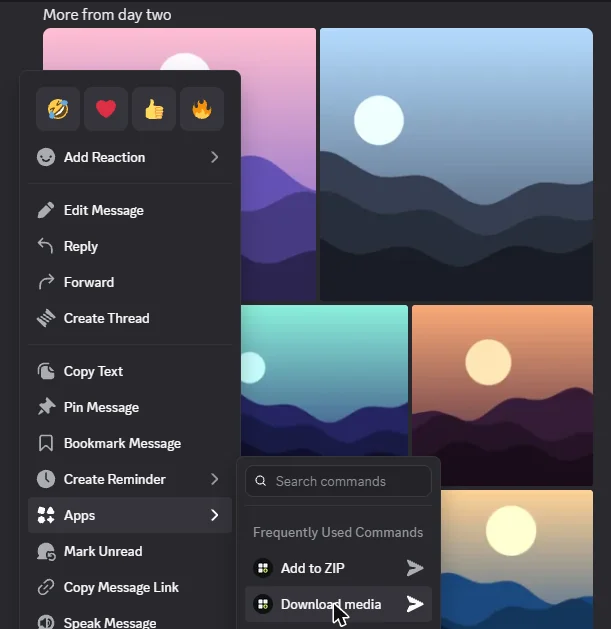
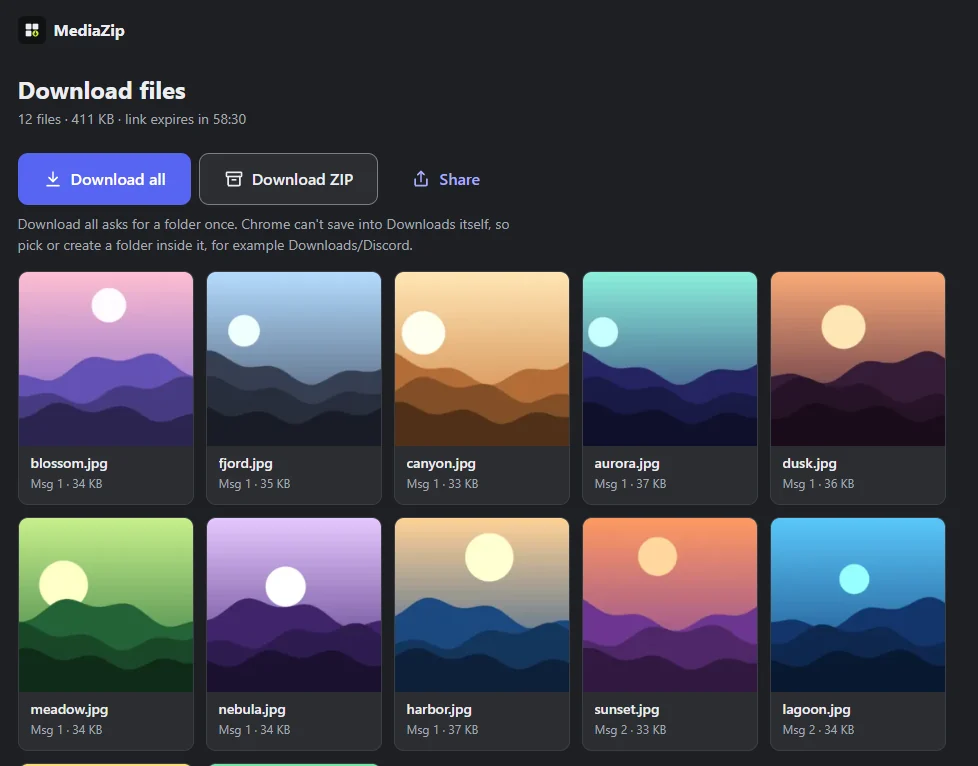
Choose Download media on a message. MediaZip replies privately: Download all for separate files, or Download ZIP. Add more messages with Add to ZIP.
Add to Discord puts it on your account, for any server or DM. Add to a server makes it available to everyone there (needs Manage Server).
How it works
-
Pick a message
Right-click or long-press it, then choose Apps → Download media.
-
Save or zip
In the reply only you can see, tap Download all for separate files or Download ZIP for one archive.
-
Collect more
Use Apps → Add to ZIP on other messages, then Download your ZIP for one archive with a folder per message. Or forward them to MediaZip in a DM.
See it in action
Your images and videos go straight from Discord to your device. MediaZip never stores them, keeps no file names in its logs, and download links are short-lived. How your data is handled